Gear Up: Finding the Right DJ Setup
As a new DJ, your biggest upfront decision is what hardware to use. Broadly speaking, beginners choose between controllers (which pair with DJ software on a computer or device) and standalone systems (all-in-one units that can play music from USB drives without a computer). Controllers tend to be more affordable and portable, which is why entry-level DJ controllers have become the go-to choice for most newcomers. Standalone units, on the other hand, cost a bit more but replicate the club setup experience, with built-in screens and the ability to spin tunes without a laptop. The good news: AlphaTheta offers options in both categories, all designed to be user-friendly for beginners while mirroring the layout of professional gear.
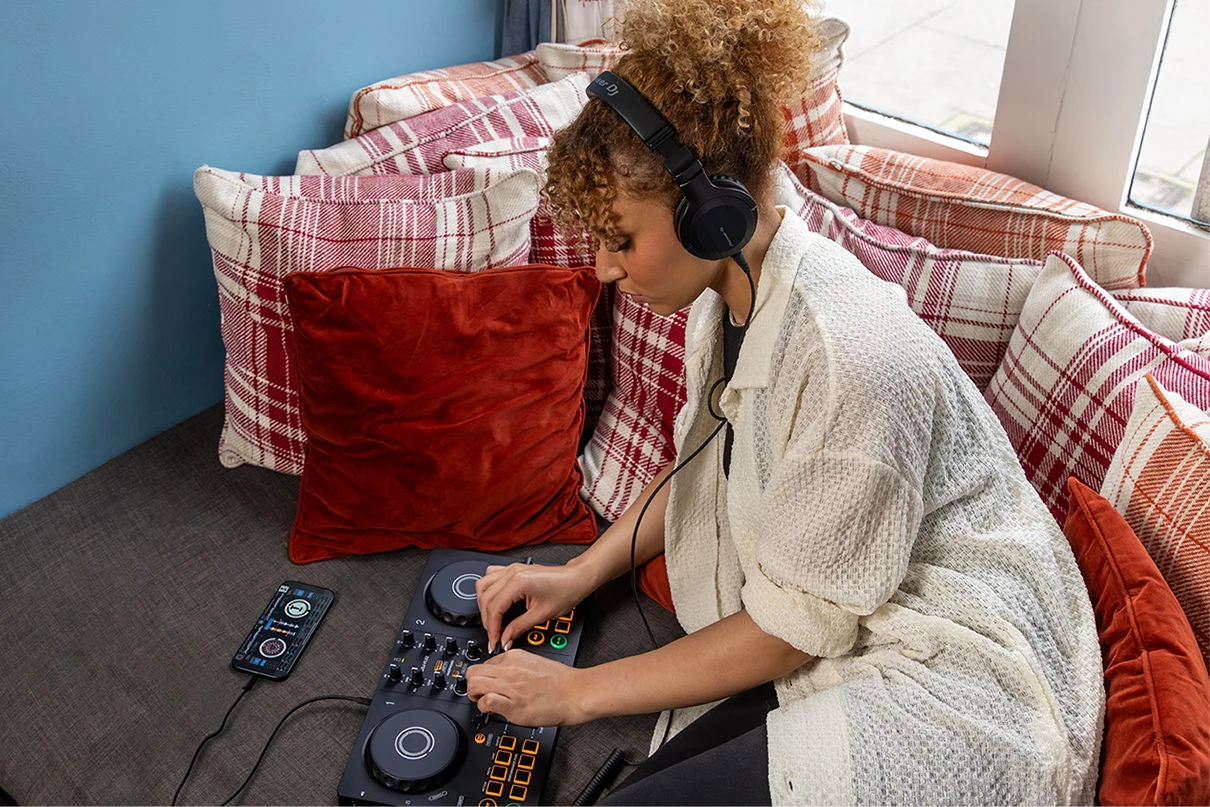
Controllers vs. Standalones: If you're on a tight budget or just testing the waters, a controller like the tiny AlphaTheta DDJ-FLX2 might be all you need. Plug it into your phone or laptop and you’ve got a complete two-deck setup at your fingertips. Want something a bit more advanced?
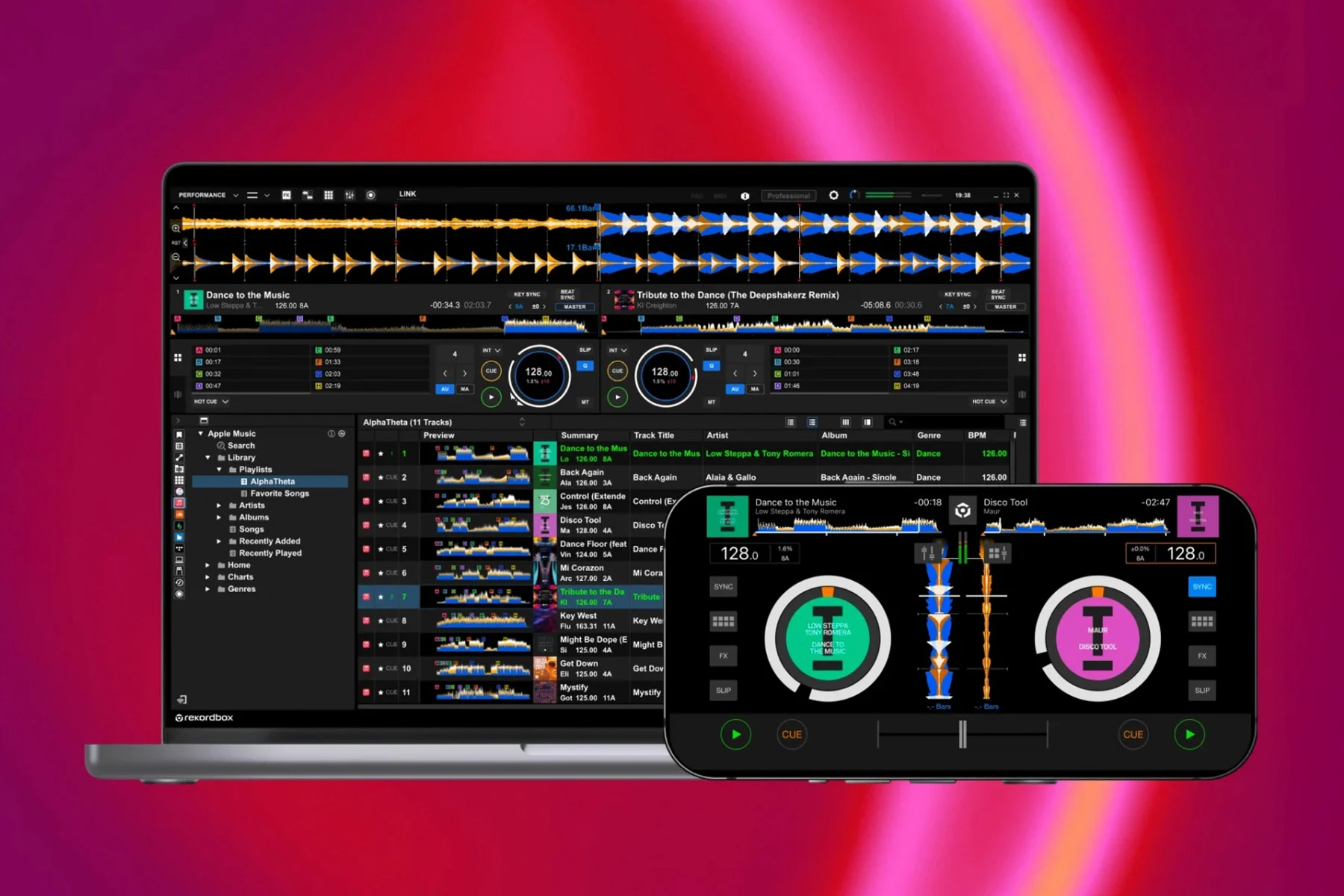
The Pioneer DJ DDJ-FLX4, launched as the successor to the popular DDJ-400, adds features like USB-C power, onboard audio interface, and even Bluetooth support – meaning you can mix wirelessly from a tablet or phone. Both of these controllers work hand-in-glove with Rekordbox (and even other software), offering a “stripped-down, compact and accessible format” that still covers “all the functionality required for a DJ just starting out”.
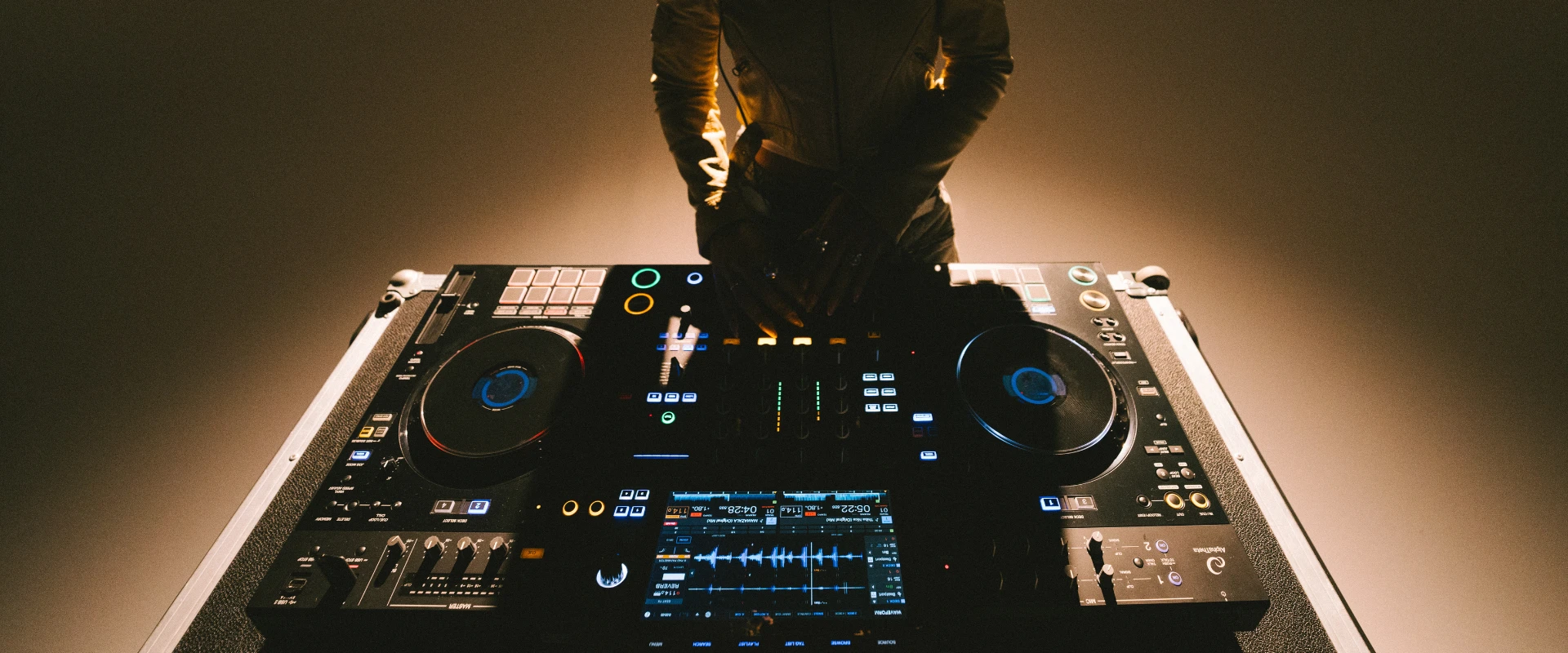
If you have a higher budget and crave a more club-like experience, an all-in-one standalone such as the AlphaTheta OMNIS-DUO could be your ideal choice. This unit features two decks and a mixer in one chassis, complete with a full-color screen – effectively a condensed club setup that’s “the closest a DJ can get to the club-standard feeling for around £1000”. Unlike controllers, a standalone lets you practice and perform using just a USB stick loaded with music (prepared in Rekordbox), no computer needed.
To help you compare, here’s a quick gear breakdown of Alphatheta-recommended beginner setups across a range of budgets:
AlphaTheta FLX2
“Smart DJ Controller”
Ultra-compact 2-channel controller (uses smartphone or PC)
~$159 (as of September 2025)
Super portable & easy to use: Super portable & easy to use: The AlphaTheta DDJ‑FLX2 is lightweight and beginner-friendly, making it perfect for DJs starting out. It connects via USB-C (not battery-powered) and works seamlessly with Rekordbox, djay, and Serato. Smart features like Transition FX, Smart Fader, and Phrase Sync help you blend tracks effortlessly—even without prior skills. Built-in tutorials and pad controls make learning fun and intuitive, while streaming support gives you instant access to music from platforms like Beatport, Tidal and SoundCloud.
Pioneer DJ DDJ-FLX4
“Best Beginner’s Controller?”
2-channel controller (USB-C, works with PC or mobile)
~$299 (as of September 2025)
Feature-packed but beginner-friendly: Replaced the famed DDJ-400 and “is a strong contender for best beginner’s DJ controller on the market right now. ”Plug-and-play with rekordbox (free);even supports smartphone mixing. Boasts Smart Fader and Smart CFX features that automatically beat-match and add effects as you move the crossfader – making transitions foolproof for learners. Compact build, professional layout, and a user-friendly design with a professional feel to grow with you.
AlphaTheta OMNIS-DUO
“All-in-One rekordbox System”
2-channel standalone console (USB media player + mixer)
~$1,599 (as of September 2025)
Club-style experience: All-in-one unit with dual decks and 7-inch screen built in, so you can play from USB drives or connect to rekordbox on your laptop. Inherits the layout of Pioneer DJ’s pro CDJ players and DJM mixers, giving you muscle memory for the club. Lightweight and gig-ready (just over 5 kg). ideal for practicing at home or playing small parties without a computer. It’s described as “a good entry level unit for DJs who want to advance into the rekordbox USB ecosystem”, and a favorite for bedroom DJs aiming for the big stage.
Tips: Whichever setup you choose, don’t forget a couple of essential extras: a decent pair of headphones (so you can cue and beatmatch tracks in the headphones before bringing them into the mix) and some kind of speaker or home sound system to play your output. You don’t need a massive club PA at first – even desktop monitors or a good Bluetooth speaker can work for practice. The idea is to clearly hear your transitions and make sure your mixes sound tight. Also, remember that any of these Pioneer DJ controllers will usually come with at least a basic version of rekordbox DJ software included (hardware-unlock license), so you won’t have to spend extra on software to get started.