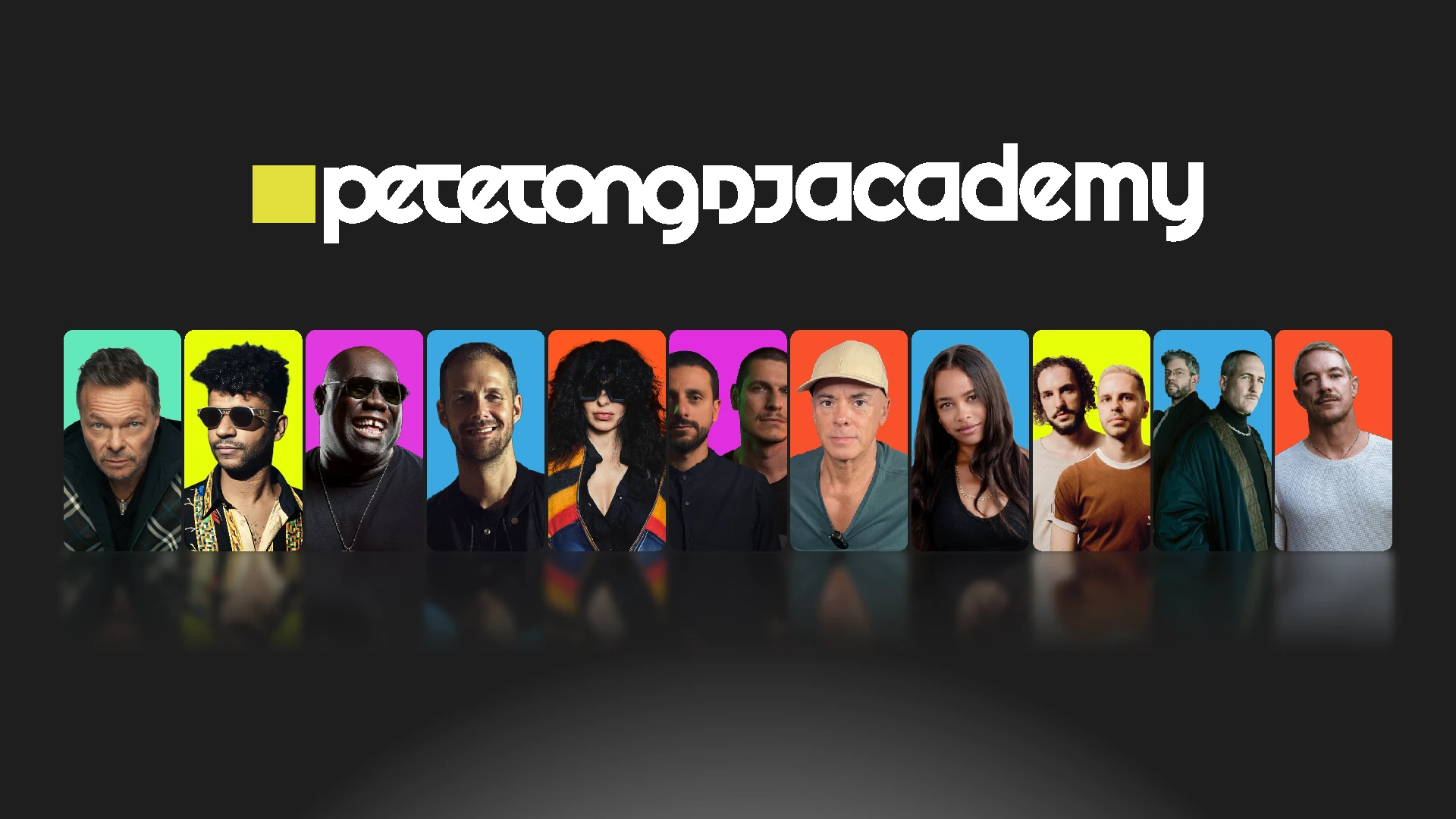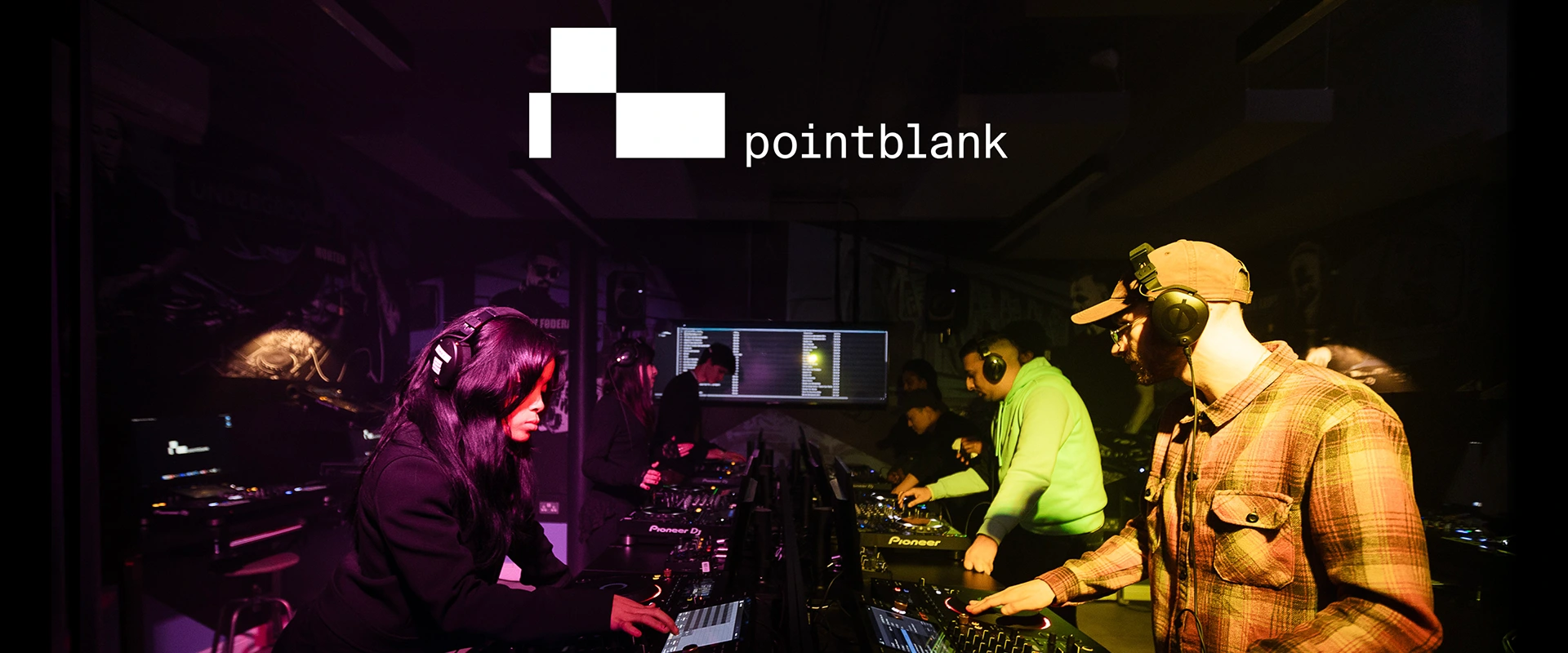
Whether you’re just starting out or looking to refine your skills, pointblank music school offers a range of DJ and music production courses to suit your goals – from flexible online programmes to in-person training in London, LA, and Ibiza. You’ll learn everything from beatmatching and FX to composition and live performance, using AlphaTheta/Pioneer DJ setups and guided by expert lecturers.
As a student, you’ll also join a global community of DJs and producers - with alumni including Patrick Topping, Nicole Moudaber, Felix Jaehn, Claude VonStroke, Florentia, DJ Friction, and Nathan Barato - and gain access to regular industry networking events, performance opportunities, and showcase sessions.
For more information, please visit www.pointblankmusicschool.com
As a student, you’ll also join a global community of DJs and producers - with alumni including Patrick Topping, Nicole Moudaber, Felix Jaehn, Claude VonStroke, Florentia, DJ Friction, and Nathan Barato - and gain access to regular industry networking events, performance opportunities, and showcase sessions.
For more information, please visit www.pointblankmusicschool.com