Introducing Beatport Streaming

Long seen as the place for DJs to source the best music, Beatport has taken things to the next level with its streaming service. Find out more about Beatport Streaming and how you can integrate it into your DJ workflow.

Who is it for?

Picking the best workflow for your DJ setup is an important decision for any DJ. Beatport Streaming is a choice worth serious consideration for DJs of all levels. For the price of a few downloads, beginner DJs can access millions of tracks and develop their style with a massive range of genres. More advanced DJs can supplement their existing music collections by adding streaming tracks into their setup, combining streaming with music from their USB.

Playing a long set and want to take the crowd on a journey with styles not in your collection? No problem, with Beatport Streaming you can select from 30+ sub-genres, expertly curated playlists and genre charts.

Thought of a track you want to play but forgot to add it to your USB stick? Quickly search for it, load it and drop it in the mix in a few seconds.

Whether you're a complete beginner, a laptop DJ or a touring DJ with CDJ-3000Xs on your rider, Beatport Streaming is there at every stage of your journey.
Which plan is best?

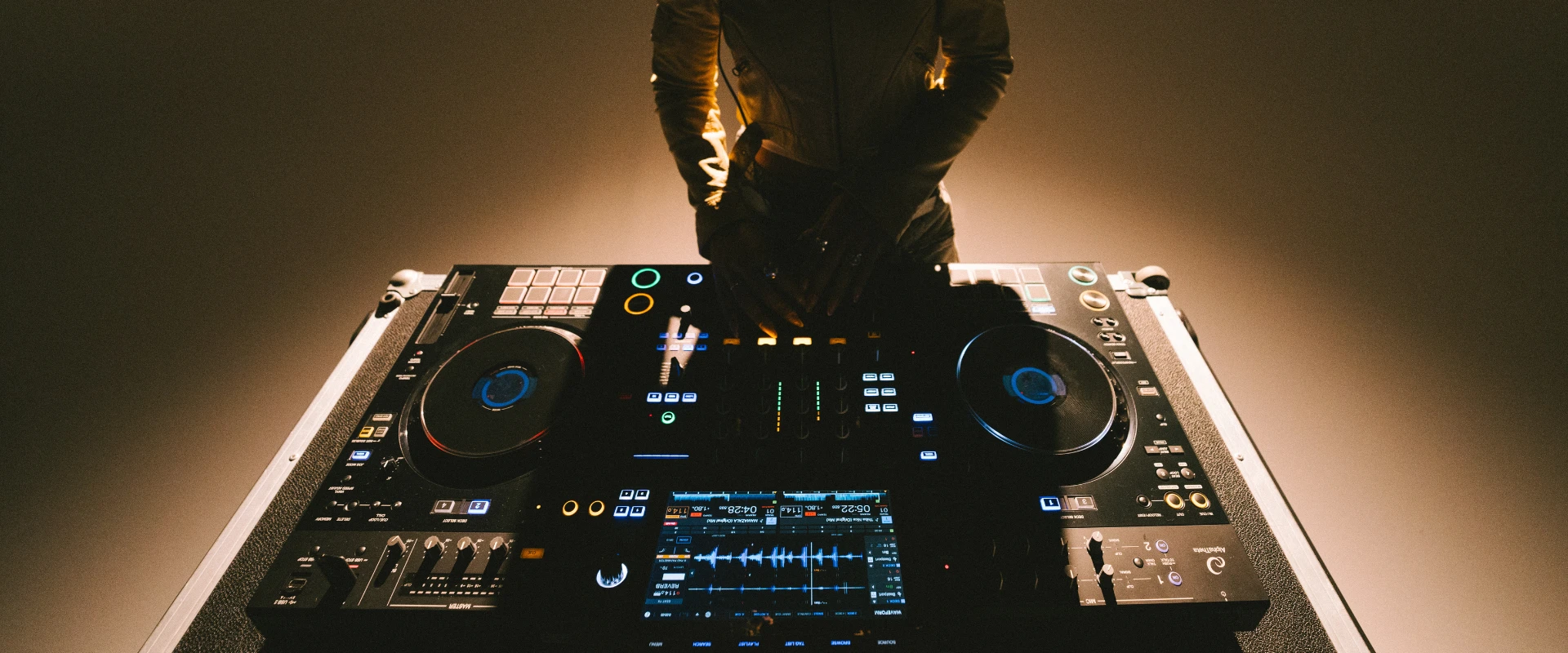
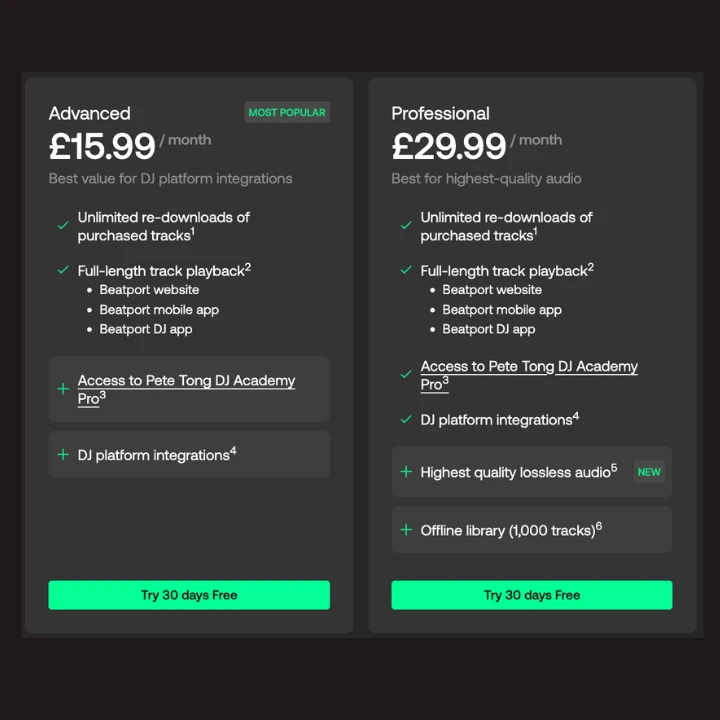
There are 3 Beatport Streaming plans to choose from, 2 of which come with support for DJ software like rekordbox and standalone DJ hardware like the CDJ-3000, CDJ-3000X, OMNIS-DUO, OPUS-QUAD and XDJ-AZ. But which plan is right for you?

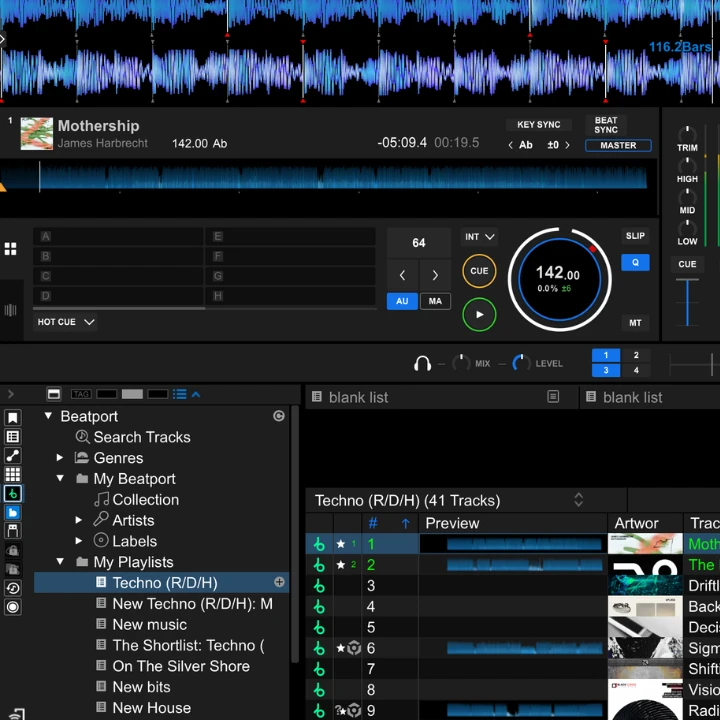
For bedroom DJs, the Advanced plan is the perfect way to add streaming tracks into your rekordbox setup. You get full-length track playback on the Beatport website, mobile app, Beatport DJ and DJ integrations. This makes it easy to dig for new music and build playlists to access later and mix in rekordbox. At $15.99 (USD) you can access a massive library of music for the price of a few download tracks.

For DJs that play out, the $29.99 (USD) Professional plan has the features of the Advanced plan as well as lossless FLAC audio and a 1000 track offline library. FLAC is the ideal format for streaming, combining high quality, uncompressed sound with smaller file sizes than AIFF and WAV - this means all the detail, with smaller load times. The offline library gives you the ability to save 1000 tracks for offline use, for those times an internet connection isn't an option.

Each plan comes with a 30 day free trial, giving you full feature access. To celebrate the launch of the CDJ-3000X and its integration with Beatport Streaming, new customers to Beatport Streaming can get an extended 60 day free trial on the Advanced or Professional plan. For the rest of 2025, use the code CDJ3000X at checkout to get started.

Beatport Streaming with rekordbox

Once you have started your free streaming trial setting up Beatport Streaming in rekordbox is easy. Follow the steps below to get started.

  1. To DJ using Beatport Streaming make sure you are in “Performance Mode” by clicking the mode menu in the top left corner, next to the rekordbox icon.
  2. Or to organise and manage your music using rekordbox, select “Export Mode” (available in version 6.7.3 onwards).
  3. Go to rekordbox “Preferences” by clicking the cogwheel in the top right corner. In the layout section, make sure “Beatport” is checked.
  4. Now locate “Beatport” in the library browser on the left side and select “Log in”.
  5. Log in to your Beatport account and after login, return to rekordbox.
  6. rekordbox will show you a “library loading” notification. You’re now connected.
  7. You can now search for tracks, browse genres and curated playlists, or access your pre-saved playlists to mix!

For information on how to use Beatport Streaming with hardware like the CDJ-3000s, read more here.

リンクをコピーしました